Local business. Global guests.
Great experiences.
Easy payments.
They came for the experience.
Make paying the easy part.
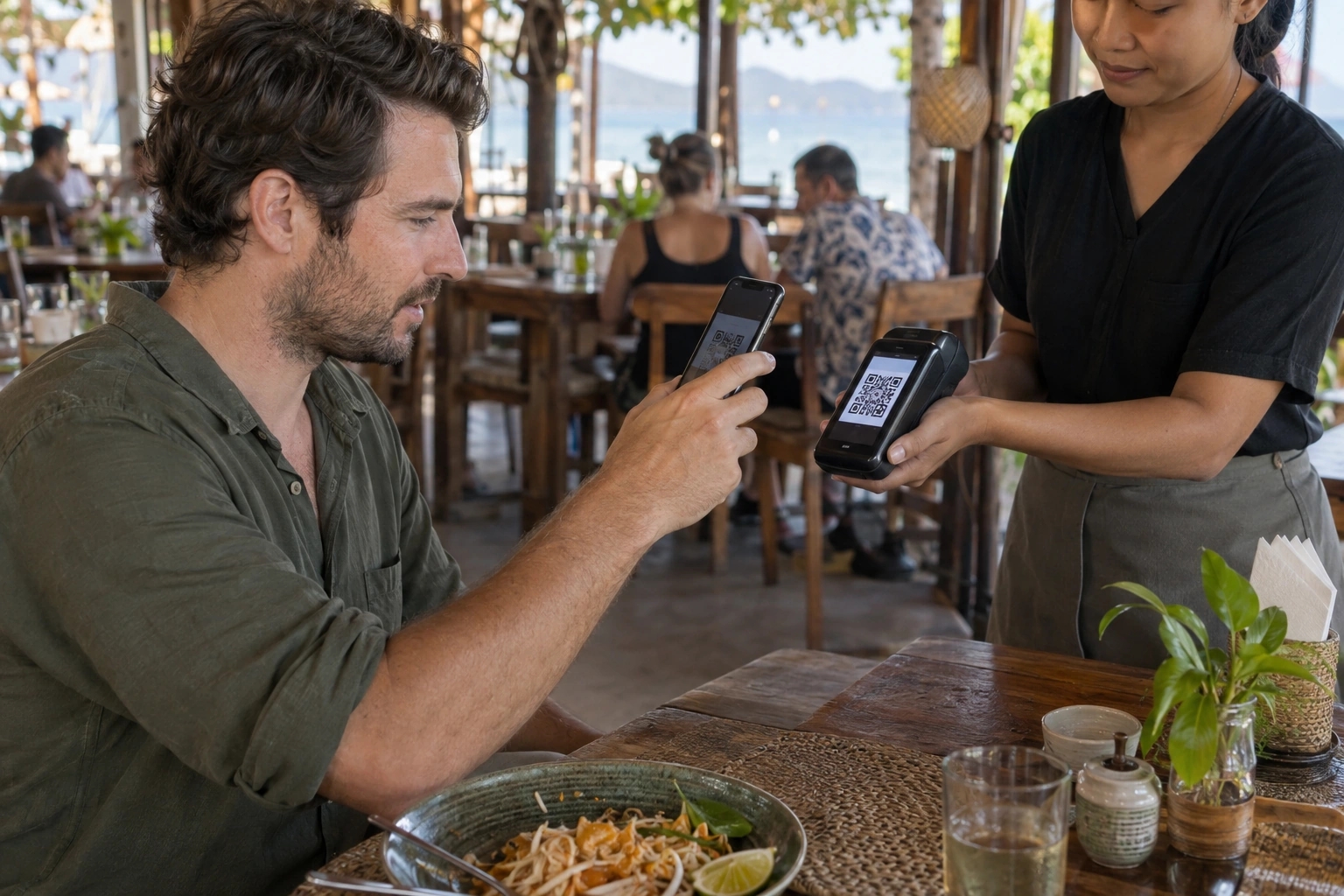
A QR code or a payment link. Your international guests pay on their phones. You stay in the moment.


 Made for places worth discovering.
A payment, start to finish
One bill.
A few easy steps.
Create a bill, let your guest pay, then follow your funds to your wallet.
Try the buttons yourself, or press Watch.
How settlement & payouts work
A confirmed payment first awaits provider settlement. Once funds are received and reconciled, your balance becomes available in  USDT, after the agreed fee.
Request a payout to your selected wallet. In the pilot, our team reviews and sends it manually. Timing and network costs are agreed at onboarding.
Interactive concept. No real charges. Demo conversion: 32 THB = 1 USDT; example fee: 5%. Actual terms are agreed for your business.
Beyond accepting payments
Understand
every payment.
End-to-end payment analytics in your merchant dashboard. One view across your whole business.
- From checkout to payout.Follow payments, settlement and available funds.
- Every venue. Every payment flow.Compare days, locations and payment methods.
- A simpler end to every shift.Export one report. Reconcile with r_keeper.
Access for your whole team
Owners see the full picture. Finance teams manage balances and payouts. Managers oversee assigned venues. Frontline staff get the tools and settings permitted for their shift.
Try the role selector in the dashboard to see each view.
Confirmed payments · last 7 days
Sample business & transactions
Meet the Dolph Pay terminal
From the bill
to the printed receipt.
Your guest scans. The terminal confirms. A paper receipt finishes the moment.
Connect your restaurant system
Send the bill total from a supported restaurant POS directly to the terminal. No manual retyping. The confirmed payment can update your accounting system automatically.
Use it on its own or in a kiosk
Enter an amount on a standalone terminal, or connect your self-order kiosk so its basket total passes directly into checkout.
Supported software, receipt format and integration scope are confirmed for your venue.
Payment routing, under your control
One QR.
You choose the flow.
Rotate between payment flows, set their shares and limits, or send new payments to one named flow with a Telegram command.
How routing works
Configure rotation, percentage splits and a limit for each flow in your merchant dashboard. Then switch to a named flow from your connected Telegram bot — for example, /white.
The QR code stays the same. New checkouts use the selected flow. Flow names and bot commands here are illustrative.
Limits: White ฿25,000 · Green ฿20,000
Edit rotation, shares & limits
/whiteTry the command. Your QR stays the same.
Interactive example. No live routing is changed.
Custom-built for restaurants & bars
Choose. Pay.
Freshly prepared.
A digital menu, payment and pickup queue in one connected experience.
The kitchen starts after payment is confirmed.
Made for the way you serve
Our team can build your digital ordering menu and electronic pickup queue, together with payment integration, on request.
Use a table QR, an ordering kiosk or a guest’s phone. Choose table service or a pickup screen. We agree the features and price for your venue.
A working product demo. Menu, order number and preparation times are examples. No real order is sent.
The Dolph Pay mobile app Coming soon
Your business.
In your pocket.
A dedicated iPhone and Android app for owners, managers and frontline teams.
- Payment notifications, wherever you are.
- Payout requests for authorised roles.
- Your locations. Your team’s permissions.
Coming soon to both stores.
Release dates will be announced. Explore the preview today.
USDTAll your payments, together.
Only what you need to know
A little clarity.
Open a topic when you want the details.
For your businessRestaurants, stays, experiences & more
Show a QR at a table, hotel reception or rental desk. Share a payment link before a villa stay, tour or appointment.
No new app is needed by your guest. They open checkout on their phone.
Choose your businessPayments, pricing & payoutsWhat your guest pays. What you receive.
The pilot is designed around Apple Pay and Google Pay. Availability depends on the provider, device, card and country. Direct card entry and PromptPay are planned for later phases.
Your fees are agreed before activation. The platform fee is applied when funds are credited, not again on payout. Network costs and payout timing are agreed separately.
Advance payment links request a payment; they are not card holds or security-deposit authorizations.
See settlement & payoutVerification & payment monitoringKYB/KYC before every location goes live
Every merchant location must pass KYB/KYC business and identity checks before activation to help prevent misuse of the service.
Our intelligent monitoring system compares payment patterns to identify unusual activity. Acceptance of new payments may be temporarily suspended until the circumstances are reviewed and clarified. Our team may request supporting information.